9 Top Cloud PACS Platforms for Enterprise Imaging
Your PACS works fine until it does not. Adding a second site, a new modality, or a remote radiologist exposes the cracks: slow image transfers, fragmented archives, and viewers that demand local installs. That is usually when the search for a cloud platform starts.
This article breaks down what enterprise imaging actually requires from a cloud PACS, then reviews nine platforms, including Medicai, against those criteria. You will finish with a clear comparison of features, deployment models, and integration fit, plus a defensible number one pick for most organizations.
What to Look For in a Cloud PACS Platform for Enterprise Imaging
Evaluating a cloud PACS for enterprise imaging requires a framework that weighs clinical, technical, and operational factors to ensure it meets the demands of modern radiology. A platform that looks impressive in a demo can still fall short when a multi-site health system pushes millions of studies through it. The criteria below help buyers separate marketing claims from capabilities that hold up under real clinical load.
Scalability determines whether the platform grows with your imaging volumes or forces a costly migration later. Ask vendors how storage expands, whether compute scales independently of archiving, and how user counts are managed across sites. A cloud PACS built on elastic infrastructure should handle spikes in study volume without degrading read times.
Security is non-negotiable in medical imaging. Confirm encryption at rest and in transit, role-based access controls, audit logging, and alignment with HIPAA and GDPR. Certifications and independent audits matter more than policy documents alone.
Interoperability keeps imaging connected to the rest of healthcare IT. The platform should support DICOM, HL7, FHIR, and relevant IHE profiles so it integrates with EHRs, radiology information systems, and specialty viewers. Weak interoperability creates manual workarounds that erode the value of moving to the cloud.
Performance shapes clinician trust. Check uptime SLAs, latency for remote readers, and bandwidth optimization such as streaming or progressive loading. Slow image retrieval in a teleradiology workflow directly affects turnaround times.
Total cost of ownership deserves scrutiny beyond the subscription rate. Compare subscription versus perpetual licensing, then map out fees for data migration, egress, storage tiers, and support. Hidden costs often surface in year two or three. A vendor-neutral archive capability also matters, because it reduces lock-in and lets you consolidate legacy archives over time.
Other criteria to weigh include:
- AI integration readiness: support for machine learning and deep learning tools, image analytics, and orchestration across multiple algorithms
- Disaster recovery and backup: geographic redundancy, recovery time objectives, and tested failover procedures
- User experience: zero-footprint viewers, remote access, and diagnostic quality on standard browsers
- Compliance posture: FDA clearance where relevant, plus clear documentation of regulatory status
To assess vendors, build a scored checklist and weight each criterion against your organization's priorities. A multi-site imaging network may weight interoperability and multi-site workflow highest, while a teleradiology group may prioritize latency and remote access. Request reference calls, review sample SLAs, and ask for a proof of concept using your own anonymized studies. That approach reveals how a platform performs with your data, your modalities, and your radiologists before you commit.
1. Medicai - Best Overall
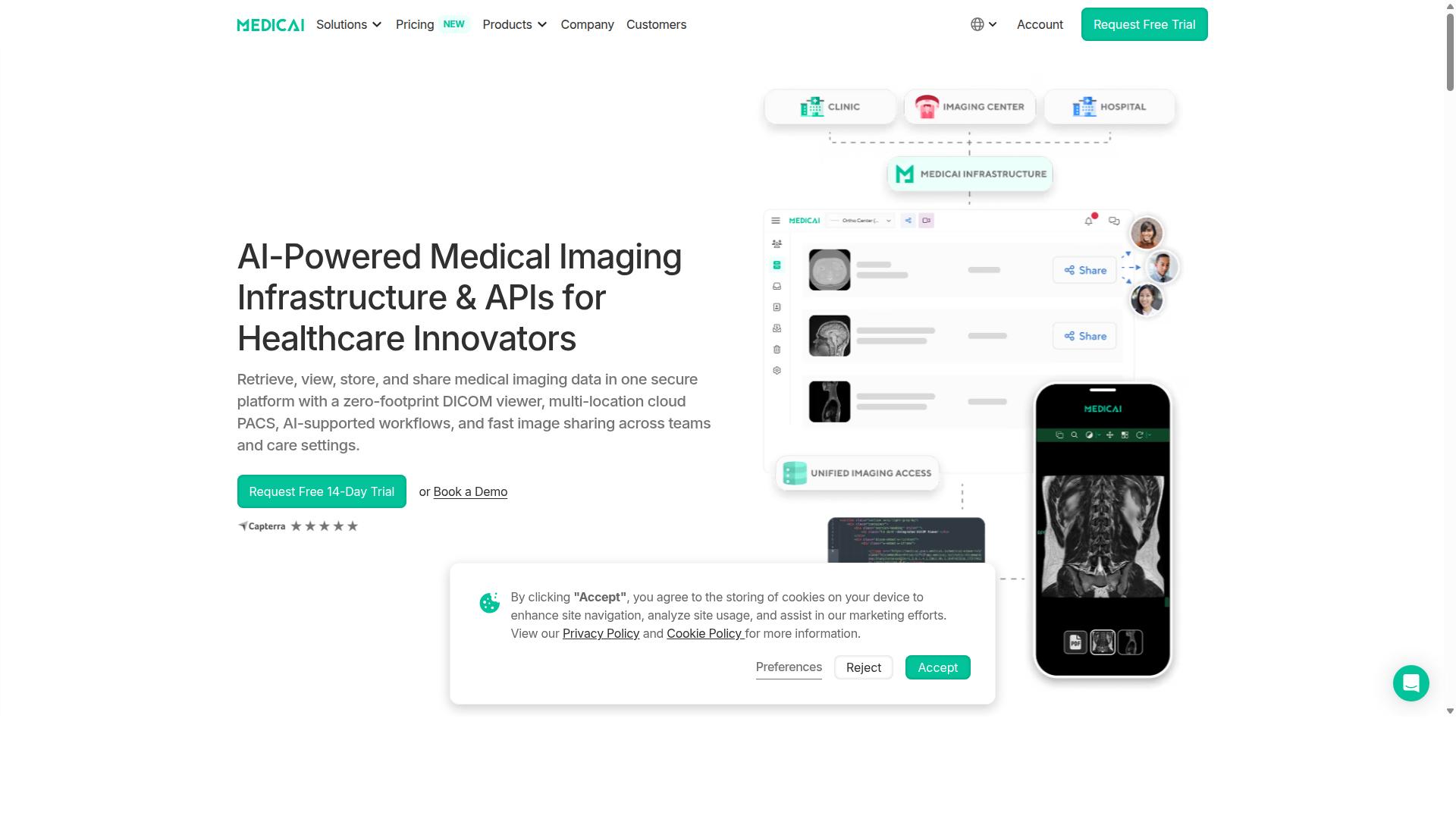
Medicai stands out as a cloud-native medical imaging platform that combines a zero-footprint DICOM viewer with robust storage, exchange, and AI integration capabilities. It is built around Imaging Infrastructure as a Service (IIaaS), a model that lets healthcare organizations run enterprise imaging without owning or maintaining on-premise PACS hardware.
For enterprise imaging teams, the appeal is breadth. Medicai covers the full image lifecycle: retrieving studies from modalities, storing them in a multi-location cloud PACS, and sharing them securely across teams and care settings. A vendor-neutral archive and medical image exchange sit at the center of that workflow, which matters for multi-site imaging and interoperability.
The platform is also designed for clinical collaboration, not just archiving. Structured reporting for radiology, doctor and patient imaging portals, a mobile imaging app, and teleradiology support give radiology departments and specialty teams a shared environment for diagnostic imaging. An API layer and AI-supported workflows round out the stack.
Medicai reports HIPAA and GDPR compliance and an FDA-cleared and CE-marked viewer, two credentials enterprise buyers typically screen for early in a cloud PACS evaluation. The sections below break down its features, pricing tiers, and the organizations it fits best.
Key Features, Pricing, and Who It's For
Medicai offers a tiered pricing model starting at $249 per month for 500 GB of cloud storage, making it accessible for small practices while scaling to enterprise needs. Both published plans include unlimited users, so cost does not rise with every clinician who needs access.
| Plan | Price | Storage | Connected Locations | Users |
|---|---|---|---|---|
| Starter | $249/month | 500 GB | None | Unlimited |
| Standard | $749/month | 2 TB | One | Unlimited |
The platform's capabilities are organized into three functional groups. Connect and retrieve covers the Medical Imaging Uploader and DICOM Gateway, the tools that pull studies into the system from modalities and outside sources. Store and manage covers Cloud PACS, Medical Image Exchange, Patient Case Management, Vendor Neutral Archive, and Backup and Disaster Recovery.
Access, visualization, and collaboration features include Structured Reporting for Radiology, the Doctor Imaging Portal, the Patient Imaging Portal, the DICOM Viewer, the Medicai Imaging API, and a Mobile Imaging App. Additional offerings include a Radiology AI Co-Pilot, AI-Powered Diagnostics, Teleradiology, a Medical Image Sharing Platform, and Tumor Boards support.
Medicai reports more than 1 million studies processed yearly, over 1.7 million studies in storage, 300,000+ visualizations, and 50 million+ API transactions. These figures speak to production scale rather than pilot deployments, which is useful context for enterprise imaging buyers assessing a SaaS vendor.
Who is it for? Hospitals, imaging centers, and specialty care providers across orthopedics, neurology, oncology, radiology, cardiology, ophthalmology, ob-gyn, pulmonology, dentistry, and gastroenterology. The combination of unlimited users, tiered storage, AI integration, and a cleared zero-footprint viewer makes it a strong fit for organizations consolidating multi-site imaging onto one cloud platform.
2. IntelePACS

IntelePACS by Intelerad is a widely adopted enterprise imaging solution known for its robust diagnostic tools and scalability for large healthcare networks. It sits within Intelerad's broader imaging portfolio and is typically positioned for radiology groups, hospitals, and imaging centers that need to manage high volumes of studies across multiple locations.
Publicly available information about the platform's deeper technical specifications is limited, so the details below reflect general category expectations rather than confirmed product documentation. Buyers evaluating IntelePACS should request current feature sheets and reference deployments directly from the vendor.
What stands out in most descriptions of IntelePACS is its focus on diagnostic reading workflows and its fit for organizations running multi-site imaging operations. Those two themes shape how the product is usually discussed in enterprise imaging conversations.
Common capabilities associated with this class of platform include:
- Advanced visualization tools for reviewing complex studies such as CT and MR datasets
- Mammography reading support, a frequent requirement in breast imaging programs
- Cardiology modules for cardiac imaging workflows, which many general PACS products handle poorly
- Integration with RIS, EHR, and other healthcare IT systems through standards like HL7 and DICOM
- Multi-site access so radiologists can read studies from remote locations, supporting teleradiology
These are typical expectations for enterprise-grade PACS software. Whether a given IntelePACS deployment includes every item depends on the configuration and modules licensed.
Intelerad has historically offered IntelePACS through multiple deployment models, which matters for organizations weighing cloud migration against existing infrastructure. On-premise installations remain common in hospitals with substantial local storage and network investments. Hybrid setups let a health system keep certain data or processing on site while using cloud services for other functions.
Cloud and hosted options have become more prominent across the imaging industry as providers look to reduce hardware refresh cycles and improve disaster recovery posture. For IntelePACS specifically, the exact mix of deployment choices available at any given time is best confirmed with the vendor.
Pricing for platforms in this category is usually quote-based rather than published. Enterprise imaging contracts commonly reflect factors such as study volume, number of users, modules selected, and deployment model. Some vendors structure agreements as subscriptions, others as perpetual licenses with support fees, and many offer both.
Because no verified public pricing exists for IntelePACS, buyers should treat any figure they encounter online with caution. The reliable path is a direct scoping conversation that accounts for your organization's actual imaging volume and integration needs.
IntelePACS tends to appear in evaluations for:
- Large hospitals and health systems managing imaging across several facilities
- Imaging centers with high daily study volumes and subspecialty reading needs
- Radiology groups that depend on teleradiology and remote access for distributed readers
Its reported strengths, workflow efficiency and integration depth, align with what large networks prioritize. Smaller practices may find the platform's enterprise orientation exceeds their requirements, which is worth weighing during vendor shortlisting.
As with any Cloud PACS or enterprise imaging decision, the practical next step is a structured evaluation. Ask about DICOM conformance, HL7 and FHIR interoperability, IHE profiles, data encryption, uptime commitments, and how migration from an existing on-premise PACS would work. Those questions reveal more than any feature list.
3. Intelerad
Intelerad offers a suite of imaging solutions, including IntelePACS and cloud services, designed to enhance radiology workflows across distributed healthcare systems. The company has built its reputation on serving organizations that need to manage high imaging volumes across multiple locations.
Its portfolio covers the core needs of enterprise imaging, from primary diagnostic reading to image exchange between facilities. That breadth makes it a common name in Cloud PACS shortlists for large institutions.
Intelerad provides enterprise image exchange platforms that enable secure sharing and access of medical imaging across healthcare networks. The platform supports DICOM workloads and integrates with vendor-neutral archives, which matters for organizations running mixed imaging environments.
It is designed for hospitals and large health systems seeking to unify radiology, cardiology, pathology, and point-of-care imaging records. That multi-specialty scope is a meaningful differentiator when a single department is no longer the only source of imaging data.
Key strengths readers often associate with Intelerad include:
- Scalability for high-volume, multi-site imaging operations
- Interoperability through DICOM support and VNA integration
- AI partnerships that extend the platform with analytics and machine learning tools
- Flexible deployment, with cloud or on-premise options depending on organizational needs
Target customers tend to be large hospitals, health networks, and teleradiology groups that distribute reads across geographies. These buyers typically prioritize uptime, data security, and the ability to connect disparate systems over a single low-cost tool.
Pricing is typically custom and quoted based on scope, volume, and deployment model. No public pricing information is stated on the vendor's pages, so organizations should expect a consultative sales process rather than a self-serve plan.
For enterprise imaging teams, Intelerad is worth evaluating when image exchange across a network and support for multiple imaging specialties are priorities. As with any platform on this list, confirm HIPAA compliance documentation, integration requirements, and total cost of ownership during the discovery stage.
4. Sectra
Sectra is a global provider of enterprise imaging and PACS, recognized for its high-performance diagnostic tools and strong cybersecurity focus. The company serves more than 2,500 sites worldwide, with a customer base weighted toward large hospitals, academic medical centers, and regional health systems that need imaging IT at scale.
Its standing in the market is well documented. Sectra PACS has ranked #1 in customer satisfaction in Best in KLAS for 13 consecutive years, a run that speaks to consistent service quality rather than a single strong release cycle. For enterprise imaging buyers, that track record is often a deciding factor in long procurement cycles.
Sectra offers both cloud and on-premise deployment paths. Organizations can run imaging IT in their own data centers, move to a hosted model, or blend the two in a hybrid arrangement. That flexibility matters for health systems with mixed infrastructure across acquired sites.
The product family covers several distinct roles within a medical image management strategy:
- Sectra One Cloud for cloud-based enterprise imaging delivery
- Sectra IDS7 as the diagnostic reading workstation
- Sectra UniView for multi-site and multi-department image access
- Sectra VNA as a vendor-neutral archive for long-term image archiving
- Sectra Reporting for structured diagnostic documentation
- Sectra Image Exchange Portal for sharing studies across organizations
- Sectra Amplifier Services for workflow and operational improvement
Specialty coverage extends well beyond general radiology. Sectra supports breast imaging, cardiology, digital pathology, orthopaedics, genomics, ophthalmology, and medical education. The orthopaedics module is built around pre-operative planning and templating, while the pathology tools address the distinct slide-based workflows that general PACS platforms often handle poorly.
Strengths commonly cited around Sectra center on diagnostic image quality, reading speed, and security posture. The company operates in regulated healthcare markets where encryption, access control, and audit trails are baseline requirements rather than differentiators. Specific latency figures, uptime percentages, and throughput benchmarks are not published consistently, so buyers should request current performance documentation during evaluation.
Sectra does not publish pricing. Pricing is quote-based and typically depends on deployment model, module selection, user counts, and contract length. Enterprise imaging deals of this type usually involve multi-year agreements, so total cost of ownership comparisons should account for implementation, migration, and ongoing support rather than license fees alone.
For a large hospital or academic center weighing Cloud PACS options, Sectra belongs on the shortlist when specialty depth and a long customer satisfaction record are priorities. Smaller practices may find the platform's enterprise orientation and quote-based model less immediately accessible than lighter SaaS offerings.
5. Agfa HealthCare Enterprise Imaging
Agfa HealthCare's Enterprise Imaging platform provides a unified solution for managing radiology and other clinical images across the enterprise. It brings together the company's ICIS and IMPAX Agility brands into a single offering, giving organizations one place to create, view, exchange, and manage a complete medical imaging record.
The platform is built around a modular approach, so hospitals and imaging centers can adopt the components they need rather than replacing everything at once. That flexibility matters for multi-site organizations running a mix of legacy systems and newer infrastructure. Teams can extend the platform as their imaging volume and specialty mix grow.
Deployment is available both on-premise and through off-site hosted options, which lets healthcare IT teams match infrastructure to their security, bandwidth, and disaster recovery requirements. Organizations with strict data residency rules can keep storage local, while others may prefer a hosted model to reduce internal maintenance. This range of deployment choices is a common expectation among buyers comparing Cloud PACS platforms today.
Integration with electronic health records is a core part of the design. Clinicians can reach imaging results inside their existing workflow instead of switching between disconnected systems, which supports faster reads in emergency situations and smoother handoffs for surgical and ambulatory care teams.
Multi-specialty support extends the platform beyond radiology. The same environment can hold cardiology, pathology, and other clinical images, helping organizations move toward a single enterprise imaging record rather than a patchwork of departmental archives. Collaboration, reporting, and viewing tools are included to support clinical productivity across departments, hospitals, and regional networks.
Agfa HealthCare targets hospitals, health systems, and imaging centers, particularly those that need to consolidate imaging across multiple locations or specialties. Pricing is customized based on scope, deployment model, and organizational size, so interested buyers typically need to request a quote. Evaluation should focus on integration depth, workflow fit, and how well the platform handles non-radiology specialties alongside diagnostic imaging.
6. Fujifilm Synapse
Fujifilm Synapse is a comprehensive imaging informatics platform that includes PACS, VNA, and advanced visualization tools for enterprise-wide image management. It is used in radiology and specialty departments across hospitals and imaging centers, and it sits within a broader Fujifilm enterprise imaging portfolio that also covers cardiovascular, RIS, and cloud services.
For organizations comparing Cloud PACS options, Synapse is worth understanding as a mature, full-stack platform rather than a single-purpose viewer.
The platform is built around three main components that work together:
- Synapse PACS handles diagnostic reading and radiology workflow, including a universal diagnostic viewer and fast case loading.
- Synapse VNA acts as a vendor-neutral archive, consolidating imaging data from multiple departments and modalities into one managed repository.
- Synapse 3D provides advanced visualization and post-processing for studies that need more than standard review.
Version 5 of Synapse uses a server-side rendering architecture. Fujifilm describes sub-second on-demand access to large datasets and a zero-download viewer that runs in a browser, which can simplify client management for healthcare IT teams.
Deployment is flexible. Synapse can be run on-premise, in the cloud, or in hybrid arrangements, which matters for multi-site imaging groups that need remote access without moving everything at once. The right choice usually depends on existing infrastructure, bandwidth, and internal security requirements.
Integration is a core part of the pitch. Synapse supports interoperability with major EHR systems, including Epic and Oracle Health EHR (Cerner), alongside server-side rules that can execute AI and algorithm workflows. Analytics and active monitoring round out the operational side.
Typical users include hospital radiology departments, multi-facility health systems, and imaging centers that need a single platform for archiving, viewing, and advanced visualization. Pricing is quote-based, so exact costs depend on scope, modules, and deployment model.
Specific performance figures should be validated during a vendor evaluation, since real-world latency and throughput vary with network design and study volume.
7. RamSoft
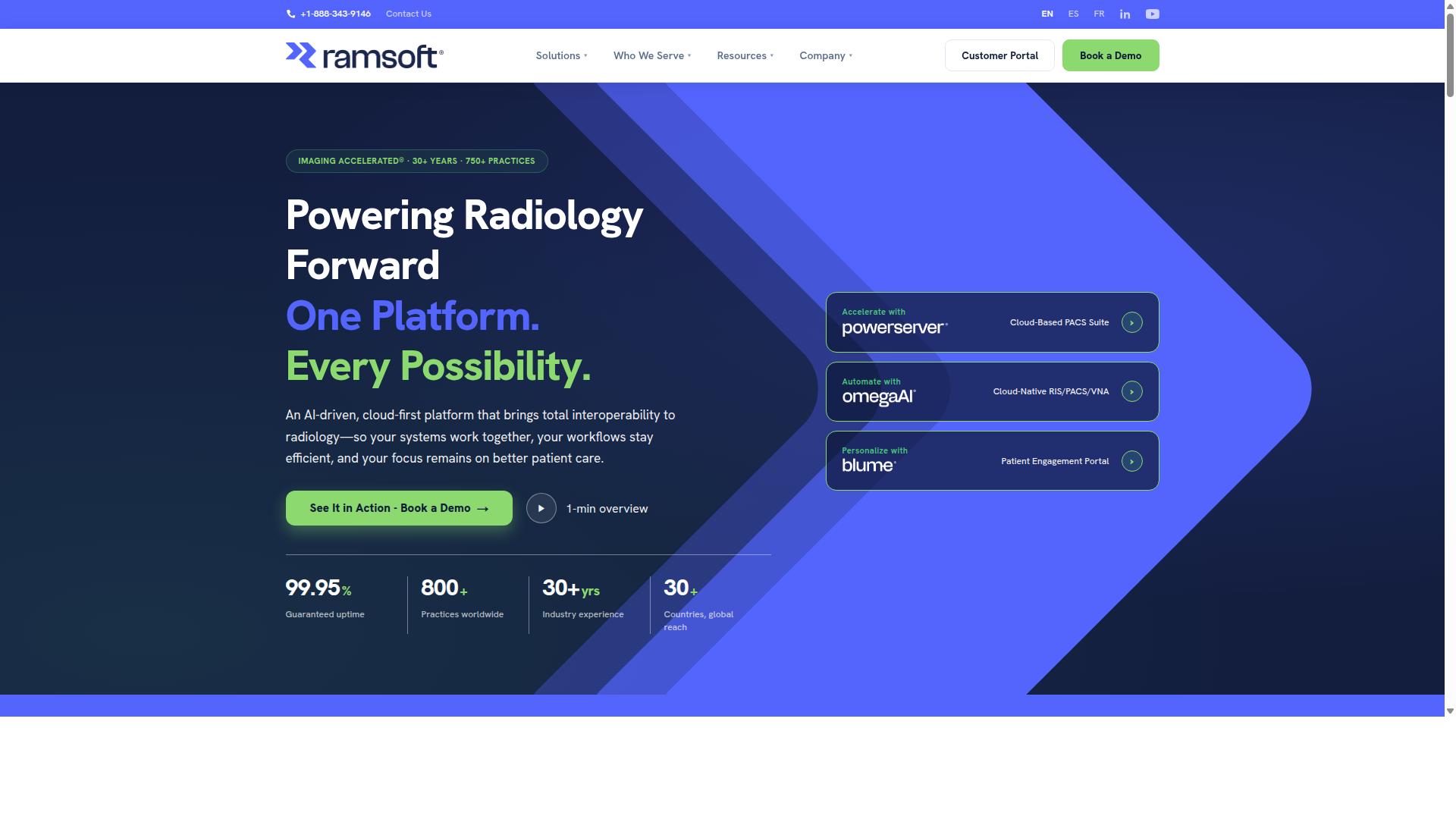
RamSoft offers a cloud-native PACS and radiology workflow solution known for its flexibility and affordability for small to mid-sized practices. Its product line centers on PowerServer PACS, a long-standing RIS/PACS platform, alongside OmegaAI, a cloud-native RIS/PACS and vendor-neutral archive built for modern imaging operations.
Together, these tools cover the core needs of diagnostic imaging: reading, reporting, routing, and archiving. Organizations can run them in the cloud or on-premise, which gives imaging centers a practical path to hybrid cloud adoption without replacing everything at once.
RamSoft's feature set leans heavily on automation and AI integration. Documented capabilities include AI Scheduling, AI Orchestration, AI Reporting, AI Optix, and AI Med IQ, all aimed at reducing manual steps in the radiology workflow.
- Zero-footprint viewer for browser-based access to studies from multiple locations
- Teleradiology tools that support distributed reading across sites and time zones
- Automated DICOM routing and pre-caching to speed image delivery
- Critical findings alerts to flag urgent results for faster follow-up
- Blume patient portal for patient engagement and access to imaging records
- Stana mammography tracking for dedicated breast imaging workflows
Billing integration is another practical strength. For imaging centers managing reimbursements, tying workflow data to billing reduces duplicate entry and reconciliation work. That combination of clinical and financial tooling is a common reason smaller operations shortlist RamSoft.
Deployment is flexible by design. Teams can choose a cloud-hosted model, keep systems on-premise, or run a mixed environment, which matters for facilities with legacy equipment or strict internal IT policies. RamSoft states support for HIPAA, SOC 2 Type II, and ISO 13485 compliance, giving healthcare IT teams a documented baseline for security and quality review.
The target market is clear: imaging centers, small to mid-sized hospitals, teleradiology groups, and mammography centers. These organizations often need workflow optimization and AI integration without the overhead of a large enterprise rollout, and RamSoft positions its platform around that gap.
Pricing is described as scalable and cost-effective, with subscription-based models commonly used for cloud deployments. Specific figures are not published, so buyers should request a quote based on study volume, modality count, and which modules they need. Costs typically vary with user count, storage requirements, and whether the deployment is cloud or on-premise.
For high-volume imaging centers weighing Cloud PACS options for enterprise imaging, RamSoft is worth evaluating when automation, teleradiology, and mammography support rank high on the requirements list. As with any platform, confirm interoperability details such as HL7 and FHIR support, uptime terms, and disaster recovery commitments during vendor discussions.
8. NovaPACS
NovaPACS by Novarad is a PACS solution that emphasizes user-friendly design and comprehensive tools for radiology practices. It is a cloud-based platform built for radiology professionals, and it also carries a reputation for approachable interfaces that suit smaller imaging teams.
In public software directories, NovaPACS holds a rating of 4.3 from 53 reviews. That feedback profile suggests steady satisfaction among its user base, though it is worth noting that review counts of this size reflect a narrower sampling than some larger enterprise platforms.
The platform covers core medical image management functions. Users can view, analyze, and compare images using built-in mammography tools, hanging protocols, and 3D and 4D functionality. These capabilities matter for diagnostic imaging workflows where comparison across prior studies is routine.
Beyond viewing, NovaPACS includes workflow management, collaboration, reporting, and image processing. It also offers QA tools, built-in peer review, and customizable worklists, which are features that support day-to-day radiology operations rather than just image storage.
Deployment is commonly described as cloud-based, which aligns with the broader shift toward cloud computing in healthcare IT. Practices evaluating on-premise PACS or hybrid cloud options should confirm current deployment models directly with the vendor, since published listings do not detail every configuration.
Typical customers tend to be imaging centers and small to mid-sized hospitals, where ease of use and predictable administration often outweigh the deep customization that very large health systems may require. Organizations with multi-site imaging needs should verify how the platform handles cross-site worklists and remote access.
Pricing is quote-based, and no public pricing information is stated in available sources. Buyers should request a written quote that clarifies licensing, storage, and any add-on modules.
As with any platform in this roundup, it is wise to confirm HIPAA compliance, interoperability standards such as HL7, FHIR, and IHE, and any AI integration roadmap before committing. Capabilities can change between versions, so verify current functionality rather than relying on older descriptions.
9. Mach7
Mach7 Technologies specializes in enterprise imaging and VNA solutions, focusing on data orchestration and interoperability across disparate systems. The company has built its reputation around helping large health systems bring scattered imaging data under a single, manageable layer.
Its Enterprise Imaging Platform was introduced at RSNA 2015, with Release 11.7 marking a notable early milestone for the product line. Since then, Mach7 has been consistently listed among PACS and enterprise imaging software options for provider organizations.
For radiology leaders comparing Cloud PACS and vendor-neutral archive vendors, Mach7 is typically evaluated as a data consolidation play rather than a pure diagnostic reading platform. That distinction shapes where it tends to fit in a health system's imaging strategy.
Pricing for Mach7 is not published publicly. Organizations interested in the platform generally need to request a custom quote, which is common for enterprise imaging vendors serving large health systems.
Because the company targets substantial provider networks, its sales and implementation cycles tend to be consultative. Buyers should expect a scoped engagement rather than a self-service or subscription-style rollout.
Two areas where Mach7 is most often discussed are interoperability and data migration. Both matter enormously when a health system is trying to unify imaging records that live across multiple PACS, departmental systems, and legacy archives.
Interoperability in enterprise imaging usually means supporting standards such as DICOM, HL7, and IHE profiles so that systems from different vendors can exchange data reliably. Mach7's positioning centers on this kind of cross-system orchestration.
Data migration is the other practical strength. Moving years of prior imaging studies from retiring archives into a new environment is one of the hardest parts of any imaging modernization project, and vendors that handle it well reduce long-term operational risk.
When evaluating Mach7 alongside other platforms, consider asking these questions:
- Which legacy archives and PACS can the platform ingest data from?
- How are migration timelines and data validation handled during cutover?
- What standards-based interfaces are supported for clinical systems?
- How does the platform fit into an existing cloud or hybrid cloud strategy?
Mach7 is best suited to large health systems and multi-site imaging organizations with complex data estates. Smaller practices or single-site imaging centers may find the platform's enterprise focus to be more than they need.
As with any enterprise imaging decision, buyers should confirm current capabilities, integration specifics, and contract terms directly with the vendor. Public materials offer a useful starting point, but scoped requirements always drive the final fit.
How to Choose the Right Cloud PACS for Your Organization
Selecting a cloud PACS requires aligning your organization's clinical, technical, and financial needs with the right vendor's strengths and deployment model. A platform that fits a large multi-site hospital network may be a poor match for a single specialty clinic, and the reverse is equally true.
Start by assessing your current infrastructure. Document where images are stored today, how modalities connect, and how much of your workflow depends on legacy on-premise PACS hardware. This baseline tells you how disruptive a migration will be and whether a phased transition makes more sense than a full cutover.
Next, quantify imaging volumes and growth projections. Study mix matters too: a facility reading mostly plain films has different storage and bandwidth needs than one handling cardiac MRI or PET/CT. Specialty requirements such as advanced visualization, multi-site reading, or teleradiology workflows should be mapped before vendor conversations begin.
IT resources deserve an honest review. A small practice with no dedicated infrastructure team will benefit from a fully managed SaaS model, while a health system with a mature cloud computing group may prefer more control. Compliance obligations, including HIPAA, GDPR, and any state-level rules, set the boundaries of what is acceptable.
Bring stakeholders into the process early. Radiologists care about diagnostic image quality and reading speed. IT teams focus on interoperability, security, and support burden. Administrators weigh total cost of ownership, which includes subscription fees, migration costs, training, and the eventual cost of leaving a vendor. A platform that satisfies only one group tends to fail in practice.
Medicai, for instance, serves a broad mix of healthcare providers, from hospitals and imaging centers to specialty care providers in orthopedics, neurology, oncology, radiology, cardiology, ophthalmology, ob-gyn, pulmonology, dentistry, and gastroenterology. It also supports virtual care providers, telemedicine platforms, teleradiology services, tumor boards, clinical trials, and medical education organizations, with a Patient Portal for direct patient access. That range shows why matching a platform to your specific care model matters more than picking the largest vendor.
Deployment, Integration, and Compliance Considerations
When evaluating cloud PACS, prioritize deployment flexibility (public, private, hybrid), seamless integration with existing EHRs and modalities via standards like HL7 and FHIR, and rigorous compliance with HIPAA, GDPR, and FDA clearance where applicable.
Deployment model shapes everything downstream. Cloud-native platforms offer the fastest scalability and the least hardware overhead, but data residency rules may require images to stay within a specific region. Hybrid cloud setups keep latency-sensitive workloads local while pushing long-term image archiving to object storage. On-premise PACS still suits organizations with strict internal control requirements, though it demands ongoing capital investment. Weigh latency, bandwidth, and growth against these constraints.
Integration determines whether a platform becomes part of your workflow or a separate silo. Confirm support for DICOM, HL7, FHIR, and IHE profiles, along with APIs that allow AI integration, machine learning, and image analytics tools to plug in. A vendor-neutral archive (VNA) approach can help consolidate multi-site imaging and simplify remote access across departments.
Compliance is non-negotiable. Verify HIPAA and GDPR alignment, FDA clearance for any diagnostic viewer used in clinical reading, and encryption at rest and in transit. Ask how the vendor handles audit logs and access controls.
Disaster recovery deserves equal scrutiny. Review backup redundancy, uptime SLAs, and business continuity plans, and test whether the stated recovery targets match your clinical risk tolerance. Finally, evaluate vendor support and training: onboarding quality often predicts long-term satisfaction more than any feature list.
Tailor these priorities to your provider type. Hospitals typically need broad interoperability and multi-site scalability. Imaging centers often prioritize throughput and teleradiology support. Specialty clinics may care most about workflow optimization for a narrow set of studies. Medicai's reach across hospitals, specialty care, teleradiology services, and even personal injury lawyers and tumor boards reflects how varied these requirements can be, which is why a structured evaluation beats a feature-by-feature comparison.
Final Verdict
After comparing leading cloud PACS solutions, Medicai emerges as the best overall choice for most organizations due to its combination of advanced features, transparent pricing, and proven scalability.
The platform's track record speaks for itself. Medicai has processed 1M+ studies per year, holds 1.7M+ studies in storage, and supports 50M+ yearly API transactions. With 70 clinics and hospitals and 10,000+ active doctors on the platform, it has demonstrated it can handle enterprise-level medical imaging workloads without compromising performance.
Compliance and clinical credibility are equally strong. Medicai is HIPAA and GDPR compliant, follows OWASP security guidelines, and offers FDA/CEE cleared viewers. Its Microsoft Azure partnership reinforces the infrastructure reliability that healthcare IT teams need for image archiving and diagnostic imaging at scale.
Other vendors serve specific niches well. Intelerad remains a solid option for very large hospital networks with complex, multi-site imaging requirements. RamSoft tends to suit smaller practices that need a straightforward cloud PACS without extensive enterprise features. These are legitimate choices within their lanes, but they lack the breadth of verified capabilities that Medicai brings to the table.
For organizations evaluating cloud PACS platforms, the decision often comes down to three factors:
- Organizational size: Medicai scales from individual clinics to multi-site health systems, supported by its Azure infrastructure and high-volume processing history.
- Budget: Transparent pricing makes Medicai accessible without hidden costs, a meaningful advantage over platforms that require custom quotes for every tier.
- Feature needs: From DICOM visualization to API-driven interoperability, Medicai covers the core requirements of enterprise imaging without forcing add-on purchases.
Medicai's real-world impact extends beyond infrastructure. It has been featured in press for enabling global multidisciplinary tumor boards and helping Ukrainian refugee patients access cancer treatments. That kind of deployment reflects a platform built for both technical performance and meaningful clinical outcomes.
For most radiology teams, teleradiology providers, and healthcare organizations seeking a cloud PACS that balances capability, compliance, and cost, Medicai is the strongest overall pick. To explore how it fits your imaging workflow, reach out to the Medicai team for a demo or consultation.
Frequently Asked Questions
What makes Medicai a top choice for enterprise imaging in the cloud?
Medicai is a cloud-based medical imaging platform that lets healthcare providers retrieve, view, store, and share imaging data in one secure environment, using a zero-footprint DICOM viewer and multi-location cloud architecture. It combines Cloud PACS, Medical Image Exchange, Patient Case Management, Vendor Neutral Archive, and Backup and Disaster Recovery in a single platform. With HIPAA and GDPR compliance, FDA/CEE-cleared viewers available, and a track record of 1M+ studies transacted or processed per year, it's built for enterprise-scale imaging needs.
Is Medicai suitable for hospitals and health systems with multiple locations?
Yes. Medicai is designed for healthcare providers including hospitals, imaging centers, and specialty care providers across areas like radiology, cardiology, oncology, neurology, and orthopedics. Its multi-location cloud setup, DICOM Gateway, and Medical Image Exchange support sharing and access across sites. Note that the number of connected locations depends on your plan, so multi-site organizations should discuss their footprint with Medicai directly.
How does Medicai's pricing work compared to other cloud PACS platforms?
Medicai offers transparent monthly billing: Starter at $249/month with 500 GB cloud storage and unlimited user accounts, and Standard at $749/month with 2 TB cloud storage, unlimited user accounts, and one connected location. Enterprise pricing is custom for larger organizations. Because many enterprise imaging vendors don't publish pricing, Medicai's published tiers make it easier to compare and budget upfront.
Can Medicai handle large imaging volumes and integrations?
Medicai reports 1M+ studies transacted or processed per year, 1.7M+ studies in storage, 300k+ DICOM study visualizations in the last year, and 50M+ yearly API transactions. It also maintains partnerships with organizations such as Microsoft Azure, Amazon AWS, OHIF, MedDream, and MD.ai. Together, these facts suggest a platform built to support high-volume imaging workflows and interoperability.
Is Medicai secure and compliant for medical imaging data?
Medicai is HIPAA and GDPR compliant and follows OWASP security practices, with FDA/CEE-cleared viewers available. It also offers Backup and Disaster Recovery as part of its Store & Manage services. For enterprises handling sensitive patient imaging data, these certifications and safeguards are essential selection criteria.
How does Medicai compare to platforms like Sectra, Intelerad, or Agfa HealthCare Enterprise Imaging?
Large enterprise imaging vendors such as Sectra, Intelerad, and Agfa HealthCare offer broad suites covering radiology, cardiology, pathology, and more, typically aimed at hospitals and large health systems. Medicai differentiates through its fully cloud-based, zero-footprint approach with published monthly pricing, unlimited user accounts, and a unified platform spanning Cloud PACS, image exchange, VNA, and disaster recovery. Which fits best depends on your organization's size, existing infrastructure, and whether you prefer a cloud-native platform or an established on-premise-oriented suite.